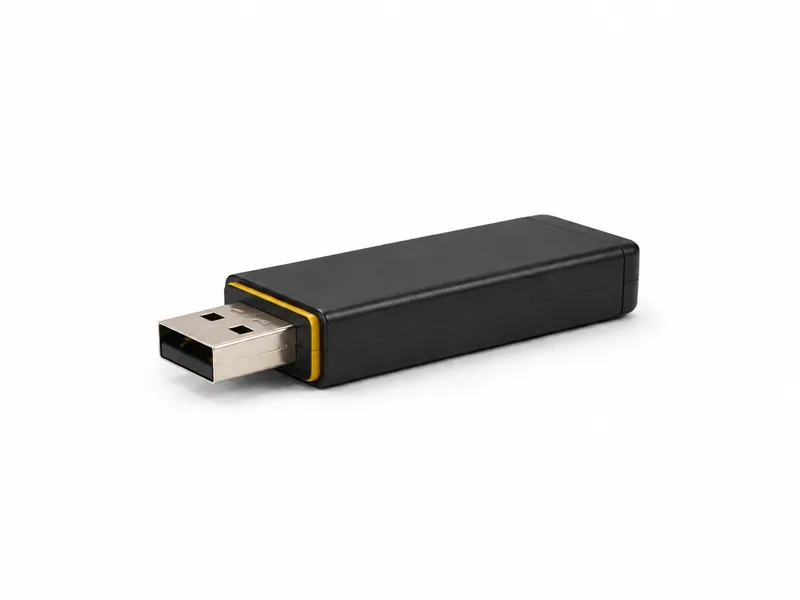
USB Rubber Ducky
A purpose-built DuckyScript platform for repeatable USB trust demonstrations and serious endpoint-control testing.
The USB Rubber Ducky turns an everyday security assumption into something immediate: a device that looks like removable storage can introduce itself as a keyboard and execute a prepared DuckyScript sequence at machine speed. In a controlled lab it provides a reliable, portable way to test how people, operating systems and endpoint controls respond when trusted input is no longer coming from a person.
Start with the device, then talk through the learning goal, authorised setup and support that make it useful.
Highlights
- Purpose-built USB keyboard-emulation platform
- Modern DuckyScript logic, variables and control flow
- Consistent demonstrations across repeatable lab scenarios
- Useful for both staff awareness and technical control validation
Why this device still matters
USB attacks are often discussed as though the only danger were malicious files on a thumb drive. The Rubber Ducky demonstrates why that model is incomplete. It does not need the user to browse a drive and open a document; it presents itself as an input device and supplies prepared keystrokes. The operating system sees activity that resembles a very fast typist. That makes the risk easy to grasp for a non-technical audience while still giving a security team a precise, repeatable event to investigate. The value is not theatrical hacking. It is making an invisible trust decision visible.
DuckyScript makes the exercise repeatable
The platform uses DuckyScript, a purpose-built language for describing keyboard actions and the logic around them. Current generations go well beyond a fixed list of keystrokes, with variables, conditions, functions and other controls that allow a lab sequence to account for known states. That matters defensively because a useful assessment must be reproducible. The same approved payload can be reviewed, run on a clean target, observed by the blue team and reset for the next exercise. Results can then be compared after a policy or endpoint-control change instead of relying on an improvised demonstration.
What a proper lab test should measure
The strongest exercise begins with a control question, not a dramatic payload. Does the endpoint alert when an unapproved keyboard appears? Can a standard user start the tools used by the sequence? Are command interpreters and scripts governed by application control? Does endpoint telemetry connect the USB insertion with the processes that follow? Can the service desk and security team reconstruct the event? The same session can also test the human layer: whether staff challenge an unknown device, report it promptly and avoid moving it to another machine in an attempt to identify it.
Rubber Ducky, Digispark or Bash Bunny?
The three devices teach related lessons at different levels. A Digispark is inexpensive and transparent, ideal when the goal is to learn how keyboard emulation works from the sketch upward. The Rubber Ducky is the cleaner choice when the goal is dependable keystroke-injection testing with a mature scripting workflow. A Bash Bunny adds a Linux system and can present several USB device classes, making it better suited to complex multi-stage assessments. The Rubber Ducky sits in the useful middle: focused enough to explain clearly, but polished enough to run the same exercise repeatedly without rebuilding the hardware.
What it cannot do by itself
A Rubber Ducky does not automatically bypass a locked session, defeat strong privilege separation or turn every USB port into administrator access. It acts within the environment it encounters. Screen state, keyboard layout, operating-system behaviour, prompts and user permissions all affect the outcome. Those limitations are important because they point directly to effective defences. A locked workstation, a properly restricted user account, controlled scripting tools, approved-device policies and useful endpoint detection each remove part of the opportunity. The device tests a chain of assumptions; it does not guarantee a result.
How to handle it as assessment equipment
Treat the device like any other active security tool. Keep an inventory, label it clearly, store approved payloads under change control and verify the selected payload before every exercise. Use only a disposable or fully recoverable target containing no live credentials or business information. Define who is authorized to insert the device, when the test starts, what evidence should be collected and how the target will be restored. Afterward, remove the device, preserve the relevant logs and record whether the control worked. A successful demonstration is one that produces a defensible finding without creating a second incident.