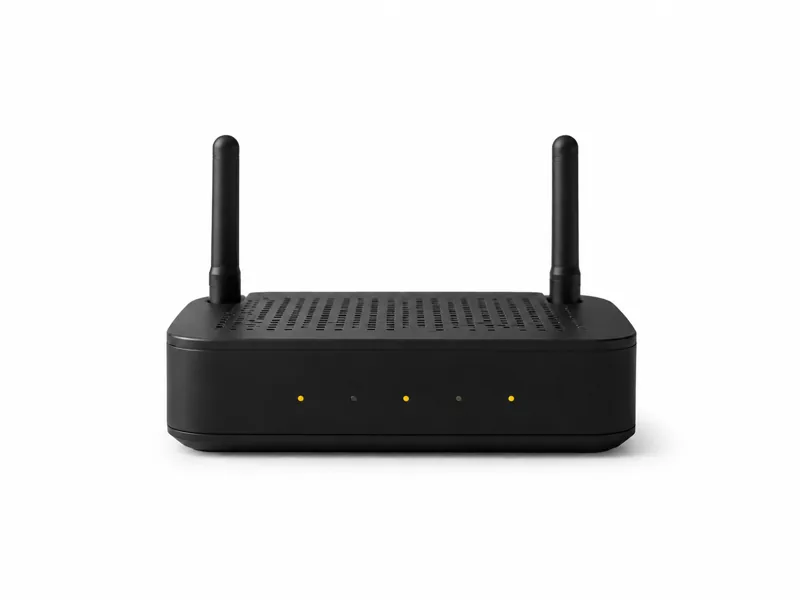
Wi-Fi Assessment Router Kit
A changed-up, Pineapple-style router kit for controlled rogue-access-point drills and practical wireless defence training.
This compact assessment kit repurposes configurable router hardware for the defensive lab role made familiar by the WiFi Pineapple. It gives an authorized team a contained way to demonstrate rogue access points, evil-twin behaviour, network-name trust and captive-portal risk without claiming to be Hak5 hardware or copying the branded product. The lesson is simple: a convincing wireless network can be created by something small enough to disappear into an office, vehicle or equipment bag.
Start with the device, then talk through the learning goal, authorised setup and support that make it useful.
Highlights
- Pineapple-inspired capability on changed-up router hardware
- Rogue access point, evil-twin and portal demonstrations
- Portable, replaceable and clearly documented lab platform
- Built for isolated exercises with explicit wireless scope
Why a changed-up router is enough
A rogue-access-point exercise does not depend on owning one famous branded device. The important capability is the combination of suitable radios, configurable software and a management path that lets an operator create and observe a controlled wireless environment. Repurposed router hardware makes that lesson affordable and repeatable. It also prevents the exercise becoming a product demonstration. The team can focus on what the network and its clients actually do when a familiar name appears, security settings change or an unexpected login page is introduced.
Rogue AP, evil twin and KARMA are different
The terms are often blurred, but defenders need the distinction. A rogue access point is any unauthorized AP operating in the environment, including an employee hotspot. An evil twin specifically imitates a network that users already trust. KARMA-style behaviour is broader: it responds to network names that nearby clients are seeking rather than copying only one target. Each produces different evidence. Inventory can expose an unauthorized AP, configuration comparison can identify an evil twin, and unusual responses across unrelated network names may indicate a more aggressive impersonation technique.
What the exercise should reveal
A useful drill measures whether the organization can see and explain an unauthorized transmitter. Can monitoring identify a duplicate SSID, unexpected BSSID or weaker encryption profile? Can analysts distinguish a genuine incident from normal neighbouring Wi-Fi? Can they connect wireless evidence with authentication, DNS, endpoint and physical-security records? Most importantly, can someone locate the device and remove it? An alert that says a rogue exists somewhere in a building is far less useful than a response process that assigns ownership, preserves evidence and directs a person to the right place.
Modern protections help, but none stands alone
HTTPS greatly reduces casual interception, a VPN protects traffic once its tunnel is established, protected management frames can resist forged disconnects, and WPA3 strengthens wireless authentication. None of those controls alone prevents a user or poorly configured client from joining the wrong network. The strongest enterprise answer remains centrally enforced certificate validation for 802.1X, supported by managed wireless profiles, removal of unnecessary saved networks and monitoring for unauthorized transmitters. The kit does not magically decrypt modern traffic, reveal every password or defeat a correctly configured deployment. It demonstrates association, impersonation and trust failures so a team can see where its controls overlap—and where a practical gap remains.
Containment is a decision, not a default
Active wireless testing can affect devices beyond the room, and automated containment can interfere with legitimate networks. That makes written scope essential. Define the permitted SSIDs, radios, clients, channels, location and time window before powering up the kit. Prefer a shielded or physically isolated environment and confirm that test frames cannot reach neighbouring users. Detection and localization can run continuously, but any disruptive action should be deliberate, documented and limited to the authorized equipment. A public café, airport, hotel or shared office is not an acceptable demonstration space.
Who this kit is for
The kit suits security trainers, small technical teams and consultants who want a portable platform for explaining wireless trust without paying for an enterprise appliance. It is particularly useful for tabletop exercises followed by a short live validation: staff first predict what their controls should detect, then observe what actually happens in the lab. Organizations that need continuous campus-wide monitoring, automated location or vendor support should use dedicated wireless intrusion detection rather than treating a small assessment router as operational security infrastructure.